# Go2とIsaac Sim
> Isaac SimでのDora-rs駆動Go2のテスト
---
Site [llms.txt](/ja/llms.txt)
---
[デモはこちらで利用可能](https://app.artefacts.com/artefacts-demos/go2-demo)。注意: 登録が必要です。
## 概要
[Go2](https://www.unitree.com/go2)はUnitree社製の四足歩行ロボットです。このロボットは[Isaac Sim](https://developer.nvidia.com/isaac/sim)で利用可能であり、独自のシミュレーションを比較的簡単に開始できます。
このデモでは、Go2に複数の環境でウェイポイントを順番にナビゲートさせるウェイポイントミッションを実施します:
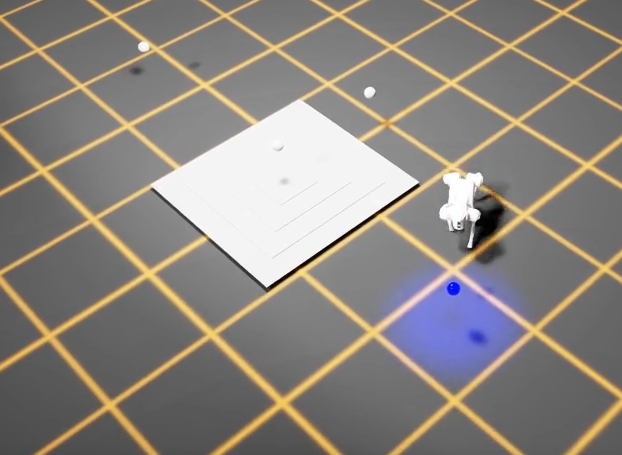
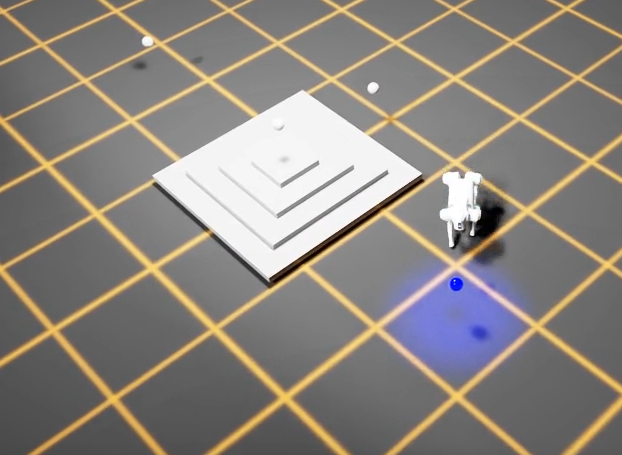
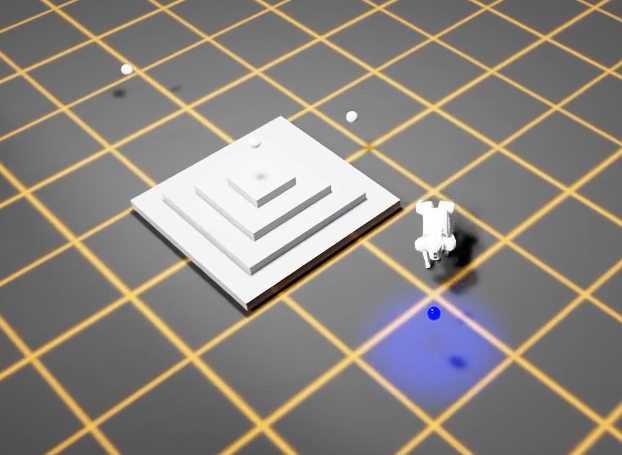
* 高さが変化する生成されたピラミッド(0.1m、0.7m、1.1m)
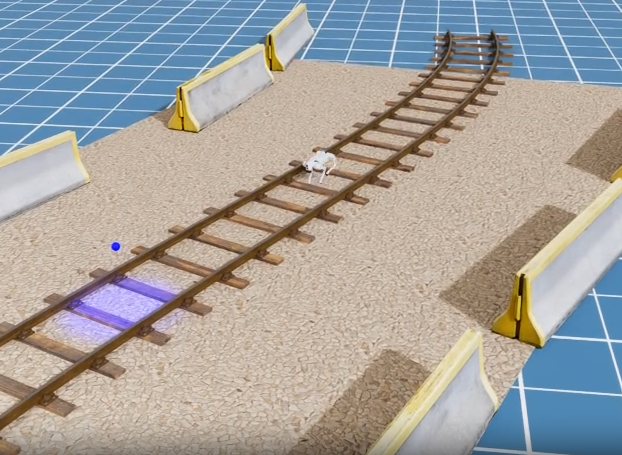
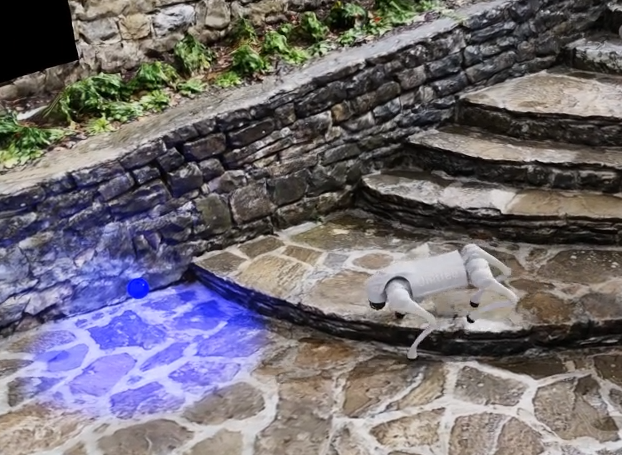
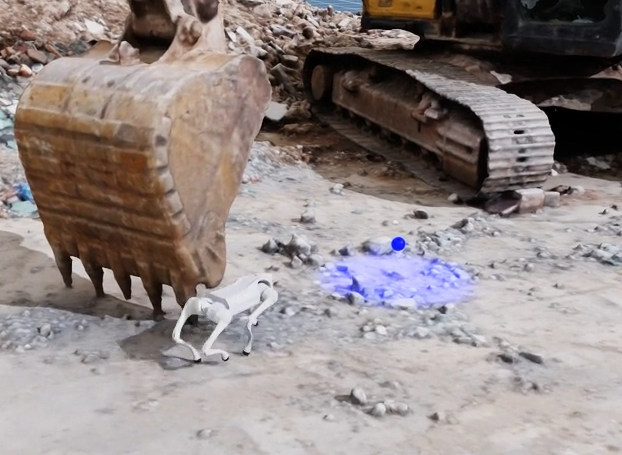
* 3つの異なる環境: 鉄道線路、石階段、発掘現場
完全なプロジェクトソースは[GitHub](https://github.com/art-e-fact/go2-example)で利用可能です。プロジェクトは以下を使用して実行されます:
* [dora-rs](https://dora-rs.ai/)(ロボティクスフレームワーク)
* [Isaac Sim](https://developer.nvidia.com/isaac/sim)(シミュレータ)
* [pytest](https://docs.pytest.org/en/stable/)(テスト作成)
* [Artefacts](https://www.artefacts.com/)(テスト自動化と結果レビュー)
テストには2つのRLポリシーを使用します: 「baseline」(すべてのウェイポイントに正常に到達することが期待される)と「stumbling」(到達しないことが期待される)。
## テストの作成
テストファイル[`test_Waypoints_poses.py`](https://github.com/art-e-fact/go2-example/blob/main/nodes/tester/tester/test_waypoints_poses.py)には3つのテストが含まれています:
* 最初のテストは環境が正しくロードされたかどうかを確認します。
### シーンローディングテスト
```python
@pytest.mark.clock_timeout(50)
def test_receives_scene_info_on_startup(node):
"""Test that the node receives scene info on startup."""
for event in node:
if event["type"] == "INPUT" and event["id"] == "scene_info":
# Validate scene info message
msgs.SceneInfo.from_arrow(event["value"])
return
```
他の2つのテストは、ロボットが指定された環境で4つのウェイポイントすべてに正常に到達したかどうかを確認します:
### 可変高さステップテスト
高さが変化するピラミッド用
```python
@pytest.mark.parametrize("difficulty", [0.1, 0.7, 1.1])
@pytest.mark.clock_timeout(30)
def test_completes_waypoint_mission_with_variable_height_steps(
node, difficulty: float, metrics: dict
):
"""Test that the waypoint mission completes successfully.
The pyramid steps height is configured via difficulty.
"""
run_waypoint_mission_test(
node, scene="generated_pyramid", difficulty=difficulty, metrics=metrics
)
```
ここでは`pytest`のparametrize機能を使用して異なる高さを設定しています。
### フォトリアリスティック環境テスト
3つの「リアリスティック」環境用
```python
@pytest.mark.parametrize("scene", ["rail_blocks", "stone_stairs", "excavator"])
@pytest.mark.clock_timeout(30)
def test_completes_waypoint_mission_in_photo_realistic_env(
node, scene: str, metrics: dict
):
"""Test that the waypoint mission completes successfully."""
run_waypoint_mission_test(node, scene, difficulty=1.0, metrics=metrics)
```
ここでも`pytest`のparametrize機能を使用して3つの異なる環境でテストを実行しています。
### コアテストロジック
両方のテストが呼び出す`run_waypoint_mission_test()`関数は、コアウェイポイントナビゲーションロジックを処理します:
```python
def run_waypoint_mission_test(node, scene: str, difficulty: float, metrics: dict):
"""Run the waypoint mission test."""
transforms = Transforms()
node.send_output(
"load_scene", msgs.SceneInfo(name=scene, difficulty=difficulty).to_arrow()
)
waypoint_list: list[str] = []
next_waypoint_index = 0
metrics_key = f"completion_time.{scene}_{difficulty}"
start_time_ms = None
current_time_ms = None
stuck_detector = StuckDetector(max_no_progress_time=5000) # 5 seconds
for event in node:
# ... event processing loop
```
この関数は:
1. **シーンをロード** - 指定された環境と難易度レベル(例: ピラミッドのステップ高さ)で`load_scene`メッセージを送信します
2. **ウェイポイントを追跡** - ウェイポイントフレームのリストを維持し、ロボットが現在ターゲットにしているものを監視します
3. **ロボットポーズを監視** - `robot_pose`イベントをリッスンし、`Transforms`ヘルパーを使用して現在のターゲットウェイポイントまでの距離を計算します
4. **ウェイポイント完了を検出** - ロボットがウェイポイントの0.6m以内に達すると、次のウェイポイントに進みます
5. **スタック状態を検出** - `StuckDetector`を使用して、ロボットが5秒間進捗がない場合にテストを失敗させます
6. **メトリックを記録** - 完了時間を秒単位でキャプチャし、`metrics.json`ファイルに保存します。これはArtefactsダッシュボードに表示されます。
テストはすべてのウェイポイントに到達すると成功し、ロボットがスタックするかタイムアウトすると失敗します。
## artefacts.yamlファイル
`artefacts.yaml`はテストをセットアップし、次のようにパラメトリゼーションします:
```yaml
project: artefacts-demos/go2-demo
version: 0.1.0
jobs:
waypoint_missions:
type: test
timeout: 20 # minutes
runtime:
framework: other
simulator: isaac_sim
scenarios:
settings:
- name: pose_based_waypoint_mission_test
params:
policy:
- baseline
- stumbling
metrics: metrics.json
run: "uv run dataflow --test-waypoint-poses"
```
上記のキーポイント:
* テストは`artefacts.yaml`ファイルの`params`セクションに基づいて2回実行されます。1回は「baseline」ポリシーを使用し、もう1回は「stumbling」ポリシーを使用します。
* 収集されたメトリックは`metrics.json`(`metrics:`で定義)に保存され、その後Artefactsダッシュボードにアップロードされます。
* テストフレームワークは`pytest`ですが、dora-rsフレームワークを通じて実行されるため、`run:`キーを使用してArtefactsにテストの起動方法を指示します。'run'の詳細については[シナリオ設定](/configuration/artefacts-yaml/#scenario)を参照してください。
## 結果
期待通り、Baselineポリシーは成功し、Stumblingポリシーは失敗しました。
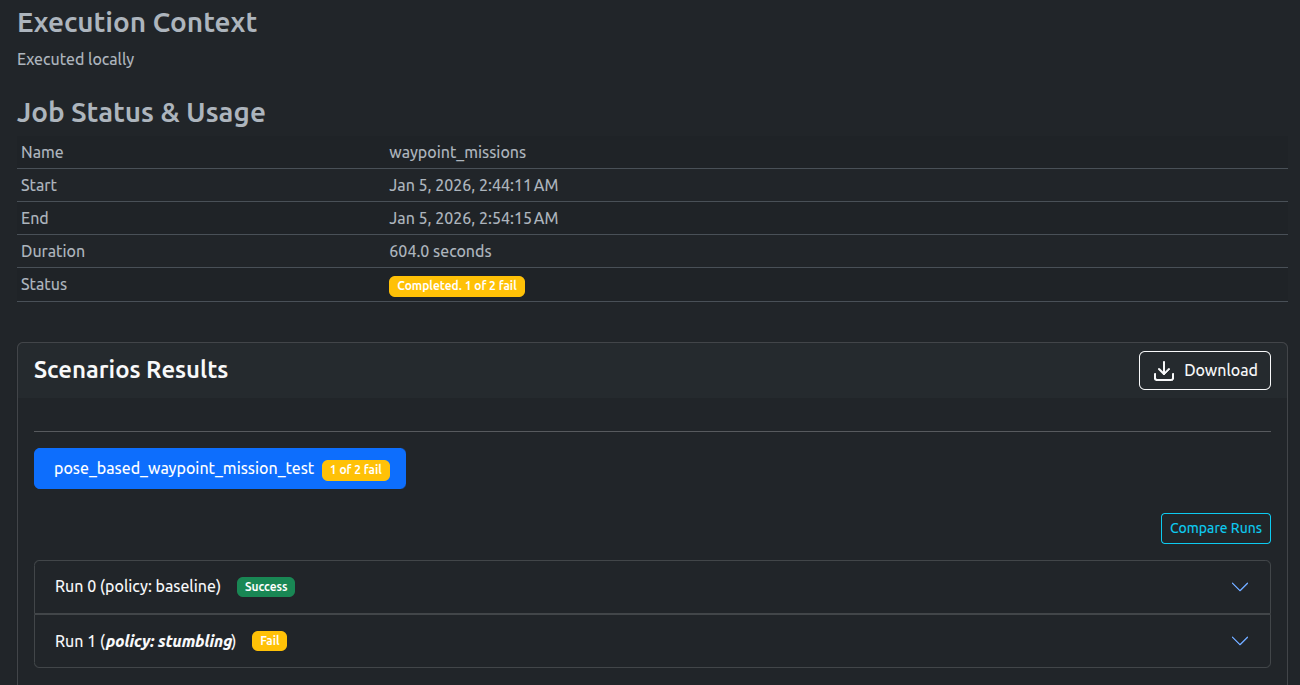
成功したウェイポイントミッションのビデオは以下で視聴できます:
### Baselineポリシー
ダッシュボードはすべてのテストが成功したことを示し、各環境の完了時間メトリックも表示されています。
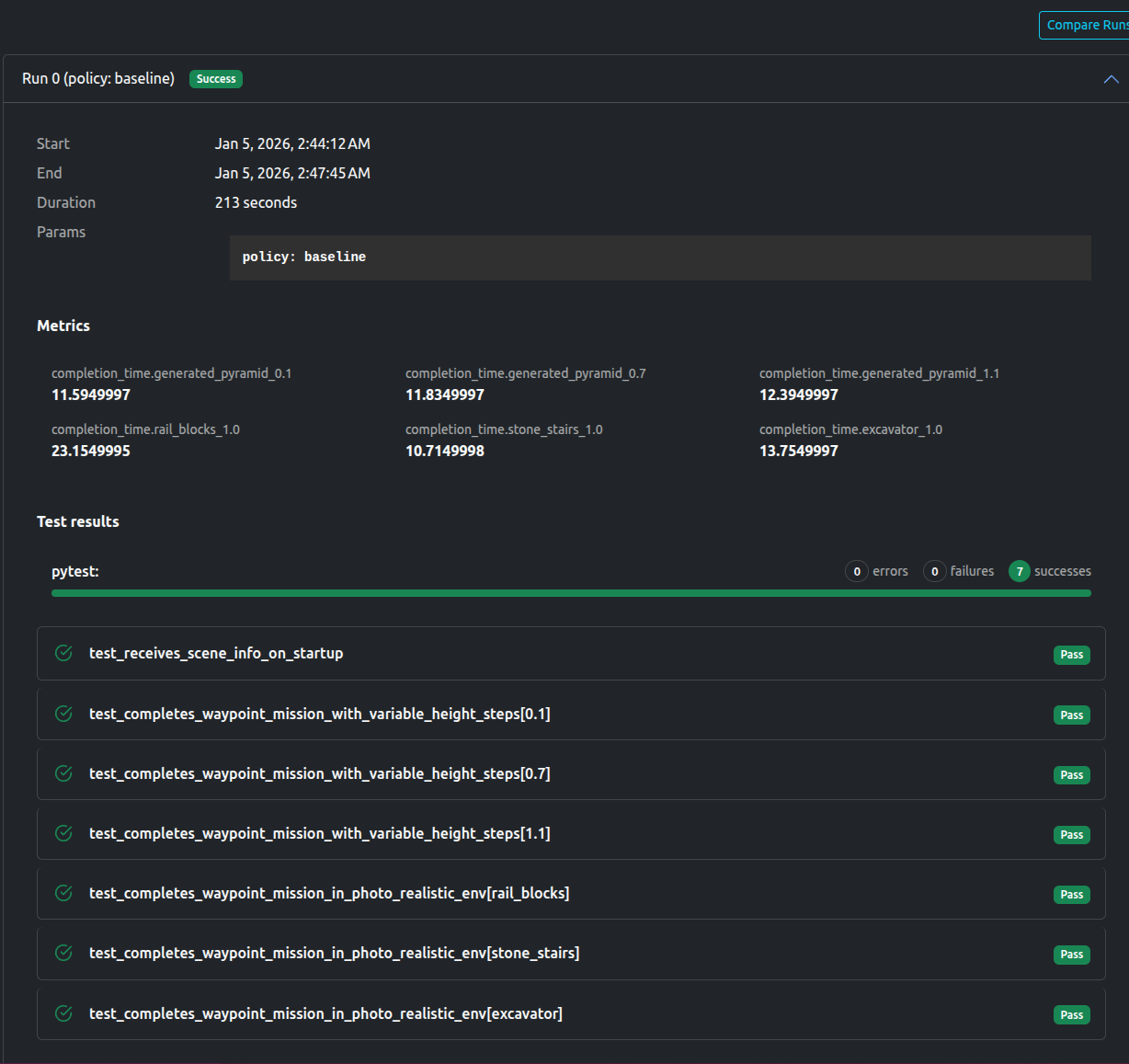
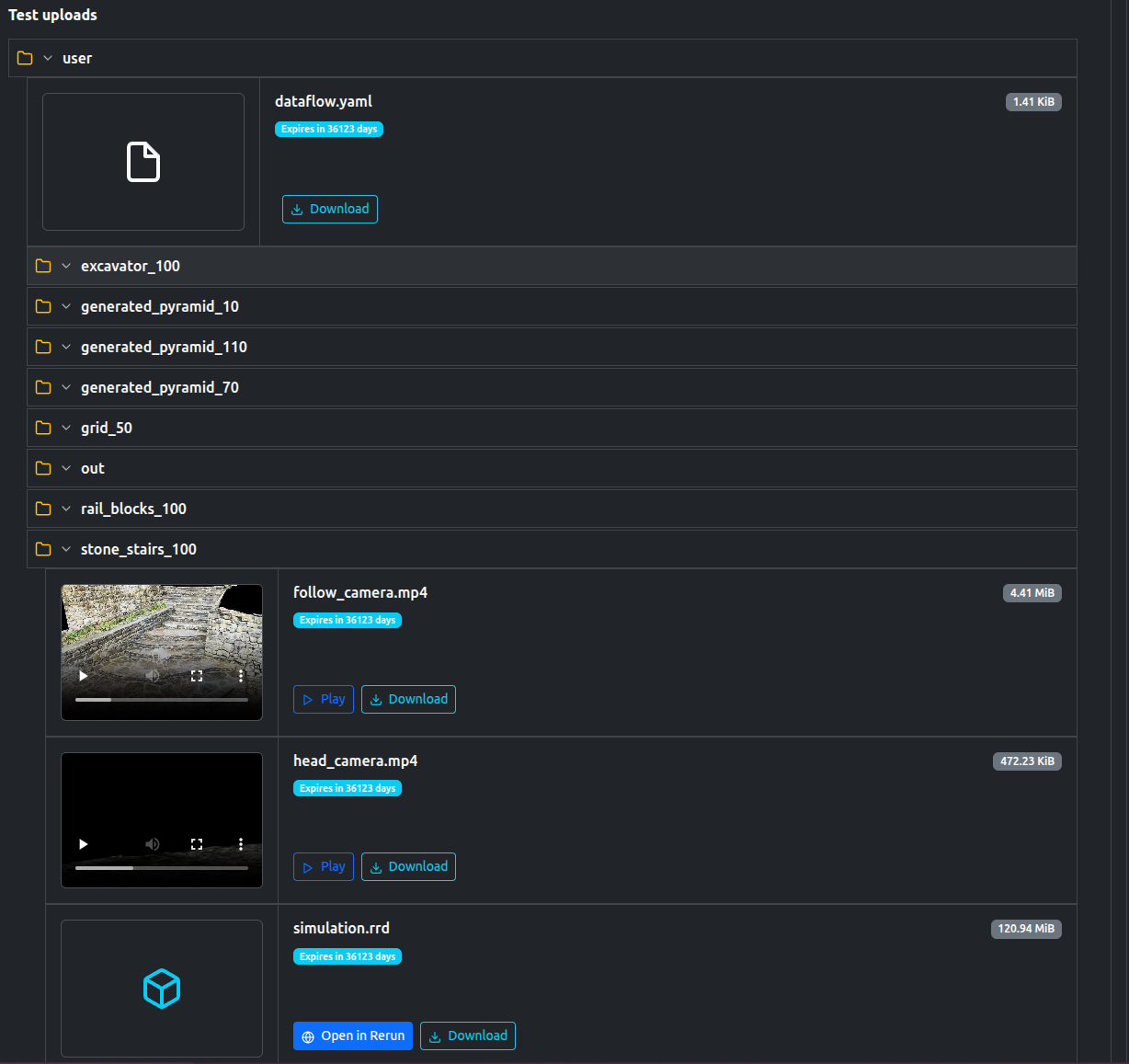
テストはビデオ、ログ、および必要に応じてシミュレーションを再生するための[`rerun`](https://rerun.io/)ファイルを含む多数のアーティファクトもアップロードしました。
### Stumblingポリシー
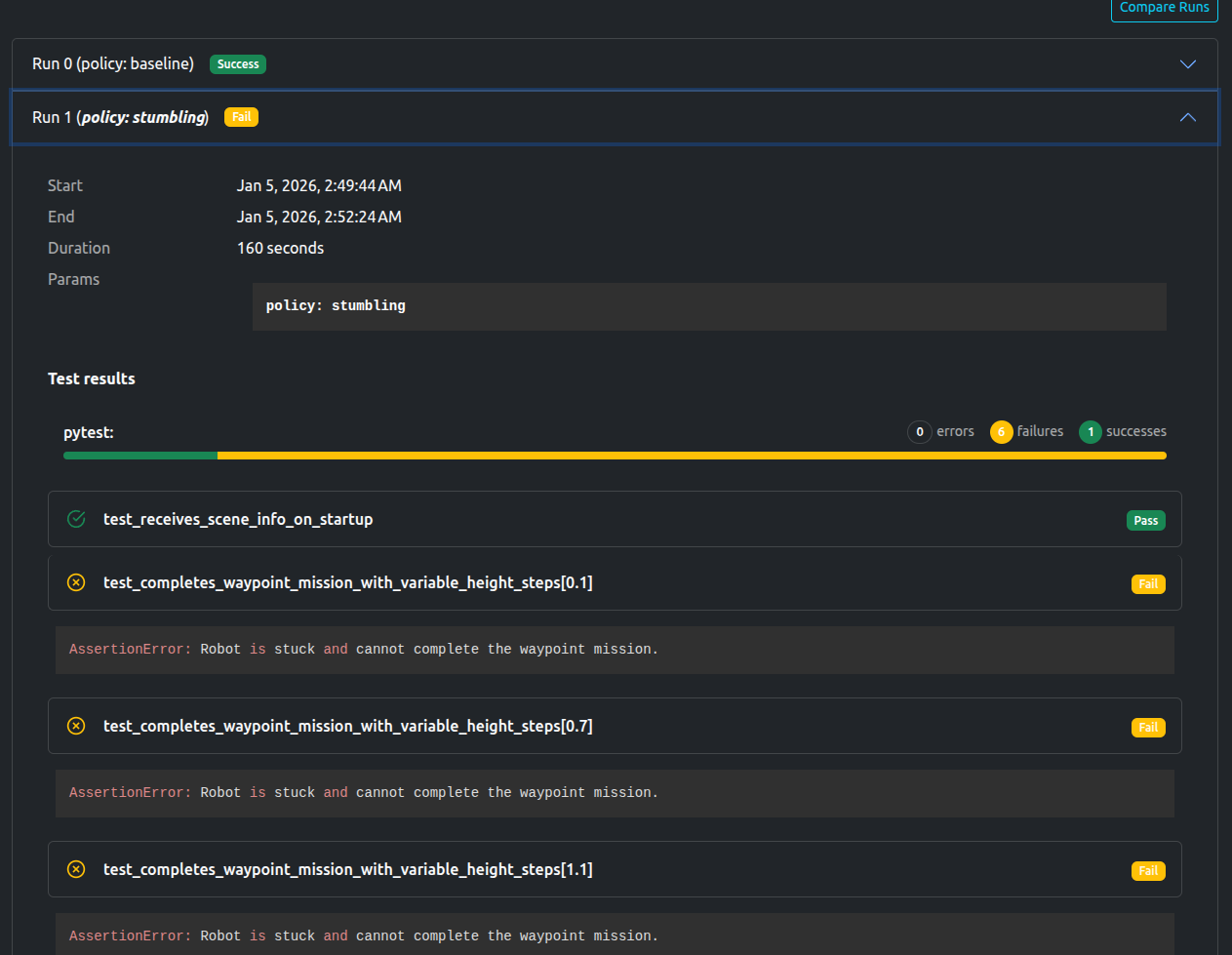
ダッシュボードはシーンローディングテストのみが成功し、残りは失敗したことを示しています。`AssertionError`「AssertionError: Robot is stuck and cannot complete the waypoint mission.」も記録されています。
最終結果と関連するメトリックおよびアップロードは[こちら](https://app.artefacts.com/artefacts-demos/go2-demo/)で自由に閲覧できます(登録が必要)。
## テスト後に利用可能なデータ
- Rerunファイル
- ログ
- 各シーンのビデオと画像
- `json`フォーマットのメトリック
## Artefactsツールキットヘルパー
このプロジェクトでは、[Artefacts Toolkit](/artefacts-toolkit)から次のヘルパーを使用しました:
* [`get_artefacts_params`](/artefacts-toolkit/config/#get_artefacts_params): どのトレーニングポリシーを使用するかを決定するため