# Go2 and Isaac Sim
> Testing dora-rs Driven Go2 in Isaacsim
---
Site [llms.txt](/llms.txt)
---
[Demo available here](https://app.artefacts.com/artefacts-demos/go2-demo). Note: registration required.
## Overview
The [Go2](https://www.unitree.com/go2) is a quadruped robot by Unitree. The robot is available in [Isaac Sim](https://developer.nvidia.com/isaac/sim), making it relatively simple to start running your own simulations.
In this demo, we will conduct a waypoint mission, asking the go2 to navigate a series of waypoints in multiple environments:
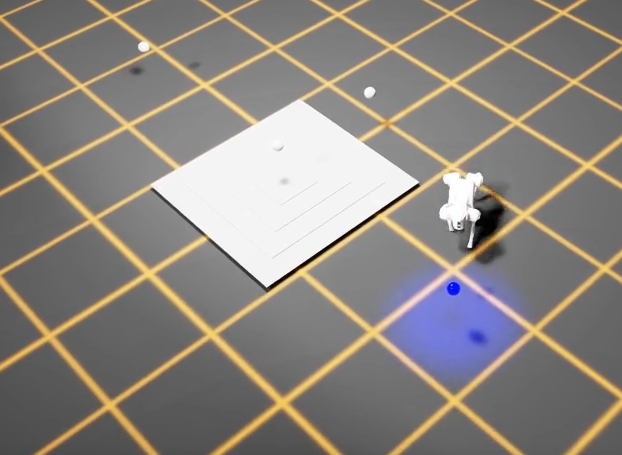
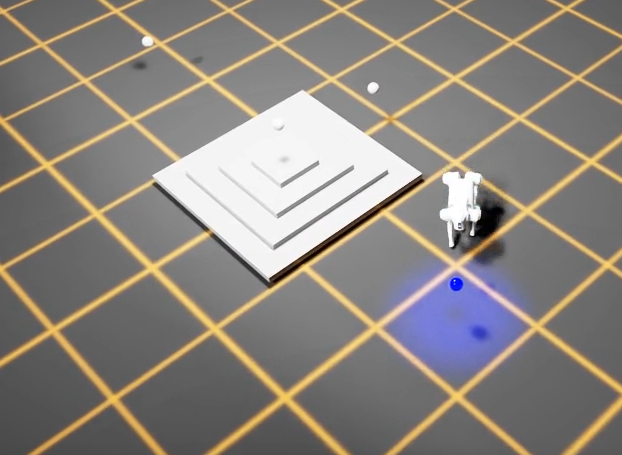
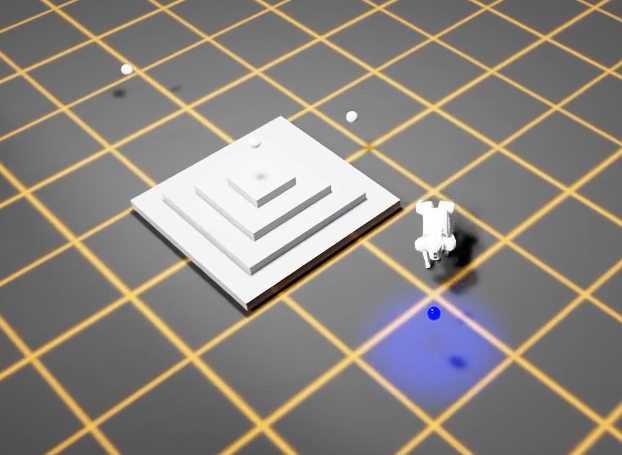
* A generated pyramid with varying height (0.1m, 0.7m, and 1.1m)
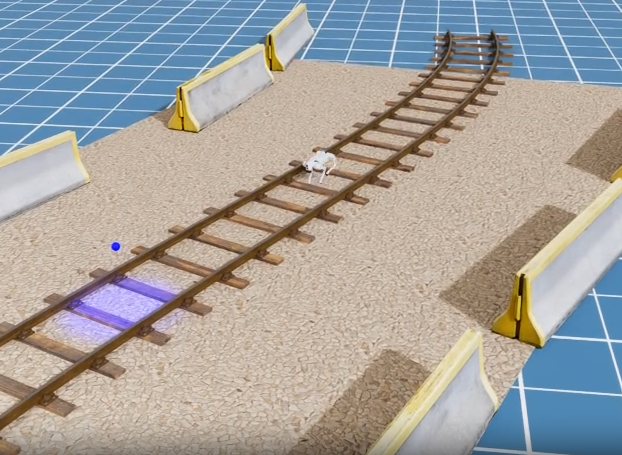
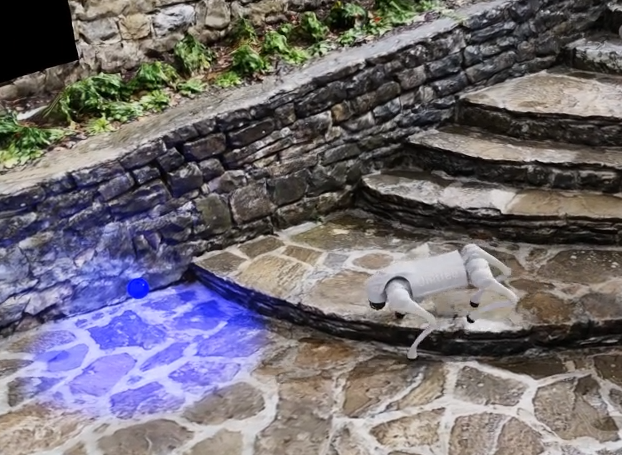
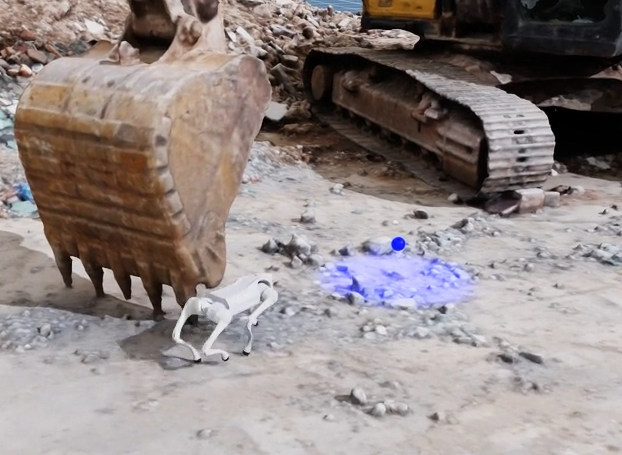
* 3 differing environments: on a railway track, some stone stairs, and an excavation site
The full project source is available on [GitHub](https://github.com/art-e-fact/go2-example). The project is run using:
* [dora-rs](https://dora-rs.ai/)(robotics framework)
* [Isaac Sim](https://developer.nvidia.com/isaac/sim)(simulator)
* [pytest](https://docs.pytest.org/en/stable/)(writing tests)
* [Artefacts](https://www.artefacts.com/)(test automation and results review)
We will use two RL policies for the test, a "baseline" (which we would expect to successfully reach all waypoints) and a "stumbling" (which we do not).
## Writing the Test
The testfile [`test_Waypoints_poses.py`](https://github.com/art-e-fact/go2-example/blob/main/nodes/tester/tester/test_waypoints_poses.py) contains three tests:
* The first checks whether the environment correctly loaded in.
### Scene Loading Test
```python
@pytest.mark.clock_timeout(50)
def test_receives_scene_info_on_startup(node):
"""Test that the node receives scene info on startup."""
for event in node:
if event["type"] == "INPUT" and event["id"] == "scene_info":
# Validate scene info message
msgs.SceneInfo.from_arrow(event["value"])
return
```
The other two tests check whether the robot successfully reached all 4 waypoints in a given environment:
### Variable Height Steps Test
For the pyramid with varying heights
```python
@pytest.mark.parametrize("difficulty", [0.1, 0.7, 1.1])
@pytest.mark.clock_timeout(30)
def test_completes_waypoint_mission_with_variable_height_steps(
node, difficulty: float, metrics: dict
):
"""Test that the waypoint mission completes successfully.
The pyramid steps height is configured via difficulty.
"""
run_waypoint_mission_test(
node, scene="generated_pyramid", difficulty=difficulty, metrics=metrics
)
```
Note here we use `pytest`'s parametrize feature to set the differing heights
### Photo-Realistic Environments Test
For the 3 "realistic" environments
```python
@pytest.mark.parametrize("scene", ["rail_blocks", "stone_stairs", "excavator"])
@pytest.mark.clock_timeout(30)
def test_completes_waypoint_mission_in_photo_realistic_env(
node, scene: str, metrics: dict
):
"""Test that the waypoint mission completes successfully."""
run_waypoint_mission_test(node, scene, difficulty=1.0, metrics=metrics)
```
Note here we also use `pytest`'s parametrize feature to run the test against the 3 different environments.
### Core Test Logic
The `run_waypoint_mission_test()` function that both tests call upon handles the core waypoint navigation logic:
```python
def run_waypoint_mission_test(node, scene: str, difficulty: float, metrics: dict):
"""Run the waypoint mission test."""
transforms = Transforms()
node.send_output(
"load_scene", msgs.SceneInfo(name=scene, difficulty=difficulty).to_arrow()
)
waypoint_list: list[str] = []
next_waypoint_index = 0
metrics_key = f"completion_time.{scene}_{difficulty}"
start_time_ms = None
current_time_ms = None
stuck_detector = StuckDetector(max_no_progress_time=5000) # 5 seconds
for event in node:
# ... event processing loop
```
The function:
1. **Loads the scene** - Sends a `load_scene` message with the specified environment and difficulty level (e.g., pyramid step height)
2. **Tracks waypoints** - Maintains a list of waypoint frames and monitors which one the robot is currently targeting
3. **Monitors robot pose** - Listens for `robot_pose` events and calculates the distance to the current target waypoint using a `Transforms` helper
4. **Detects waypoint completion** - When the robot gets within 0.6m of a waypoint, it advances to the next one
5. **Detects stuck conditions** - Uses a `StuckDetector` to fail the test if the robot hasn't made progress for 5 seconds
6. **Records metrics** - Captures the total completion time in seconds and stores it a `metrics.json` file, which will be displayed in the Artefacts Dashboard.
The test passes when all waypoints are reached, and fails if the robot gets stuck or times out.
## The artefacts.yaml File
The `artefacts.yaml` sets up the test and parametrizes as follows:
```yaml
project: artefacts-demos/go2-demo
version: 0.1.0
jobs:
waypoint_missions:
type: test
timeout: 20 # minutes
runtime:
framework: other
simulator: isaac_sim
scenarios:
settings:
- name: pose_based_waypoint_mission_test
params:
policy:
- baseline
- stumbling
metrics: metrics.json
run: "uv run dataflow --test-waypoint-poses"
```
Key points from above:
* The test(s) will run twice based on the `params` section of the `artefacts.yaml` file. Once using the "baseline" policy, the other using the "stumbling" policy.
* The metrics collected will be saved to `metrics.json` (as defined in `metrics:`), to then be uploaded to the Artefacts Dashboard
* We use the `run:` key to tell artefacts how to launch the tests, as although the test framework is `pytest`, it will be ran through the dora-rs framework. For more details on 'run' see [scenarios configuration](/configuration/artefacts-yaml/#scenario)
## Results
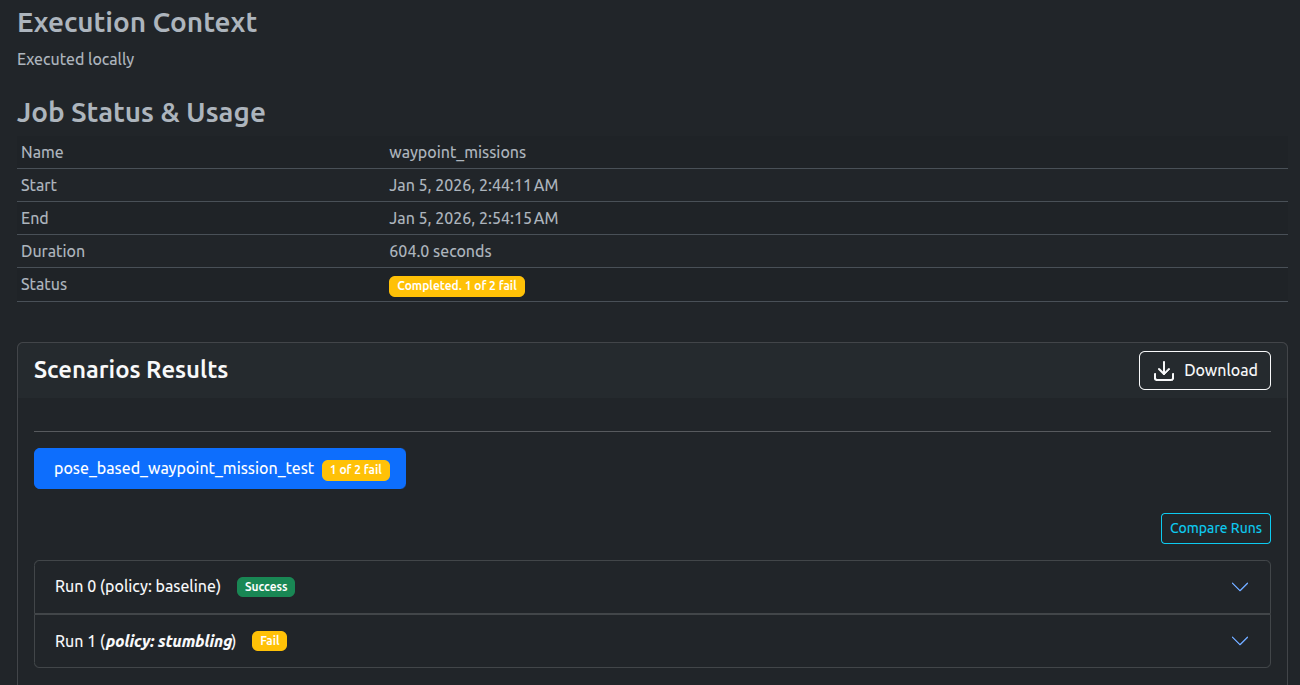
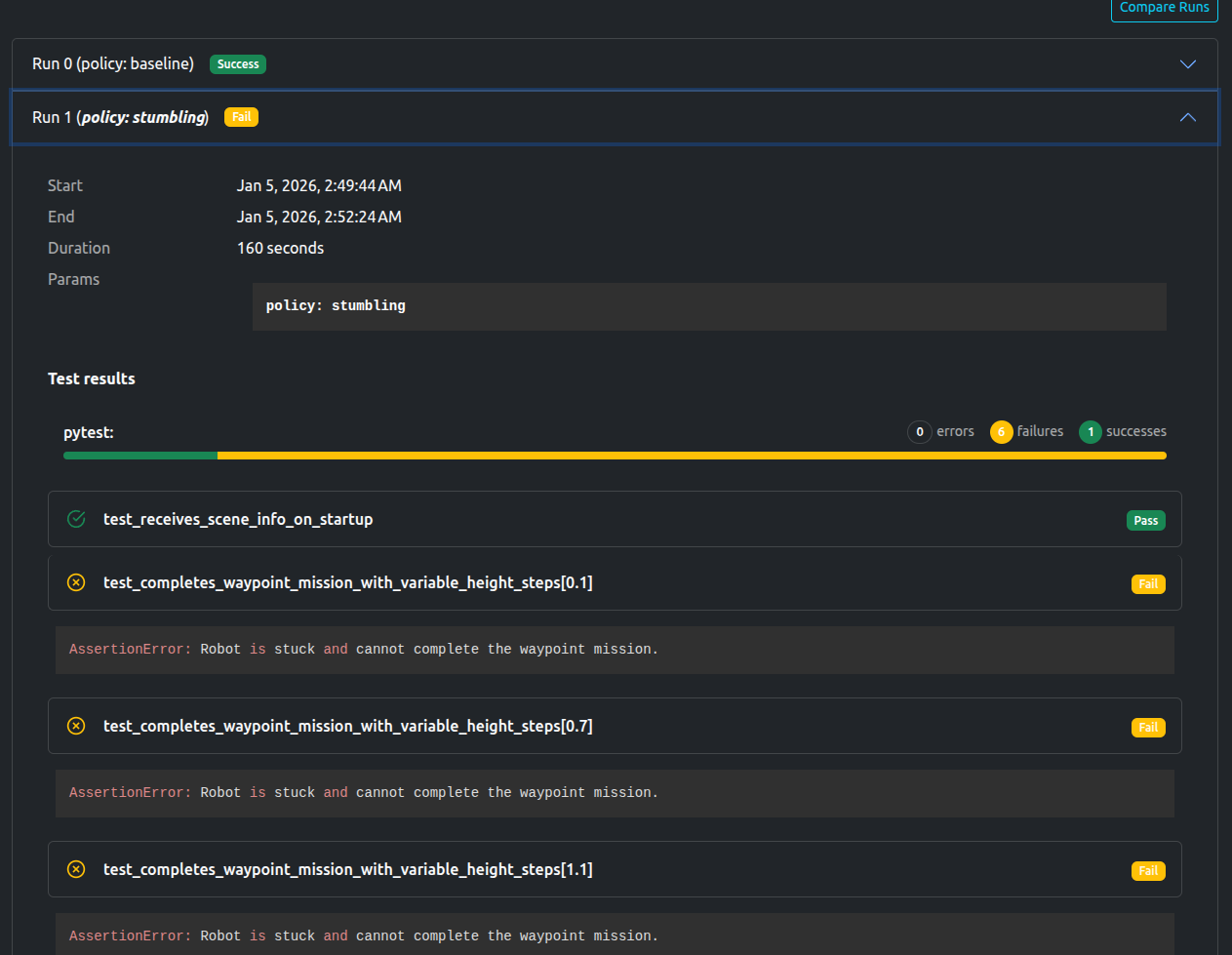
As expected, the Baseline policy passed, while the Stumbling policy failed
A video of the successful waypoint missions can be viewed below:
### Baseline Policy
The dashboard shows all tests passed, as well as the aforementioned metrics (completion time) for each environment.
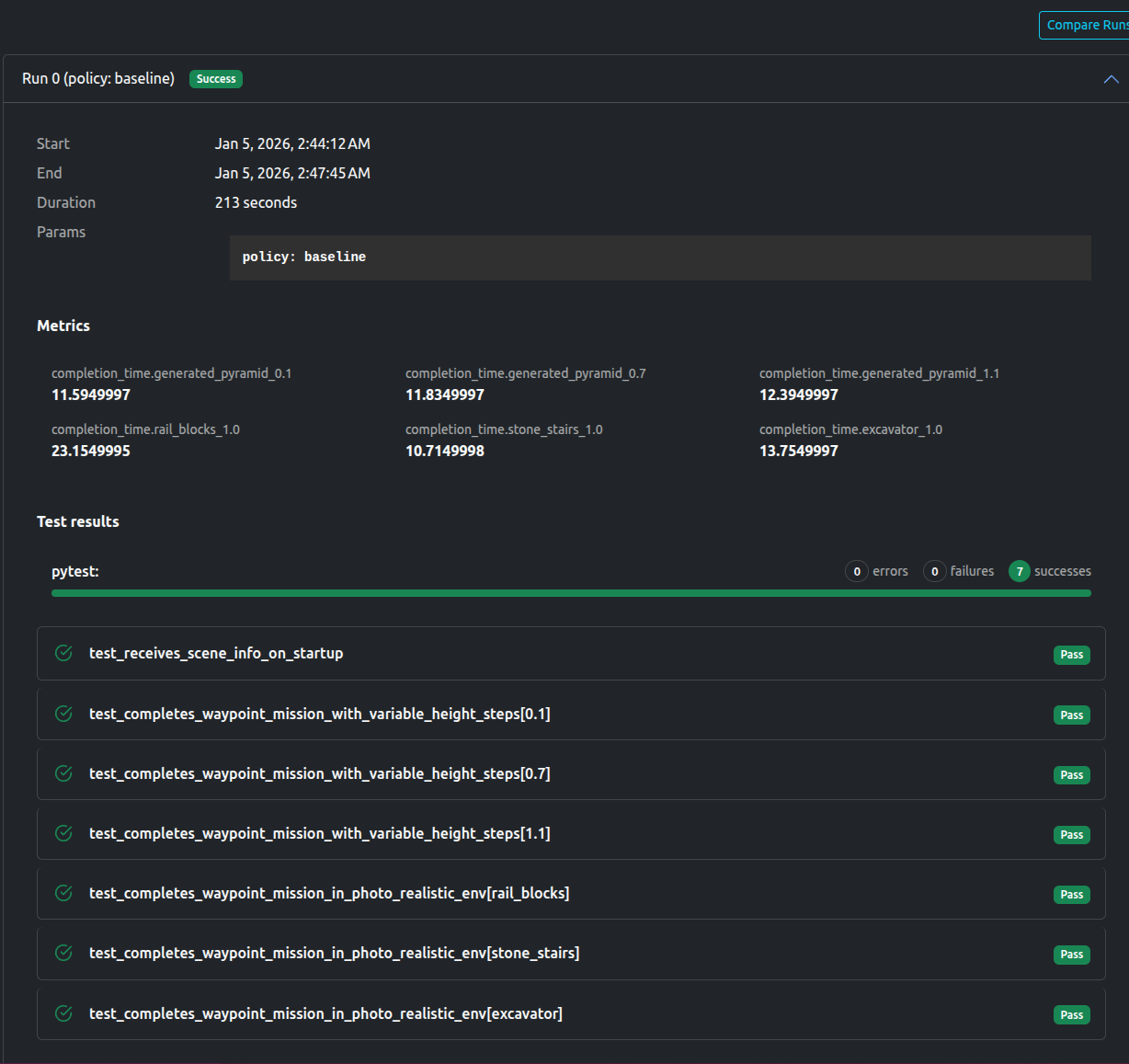
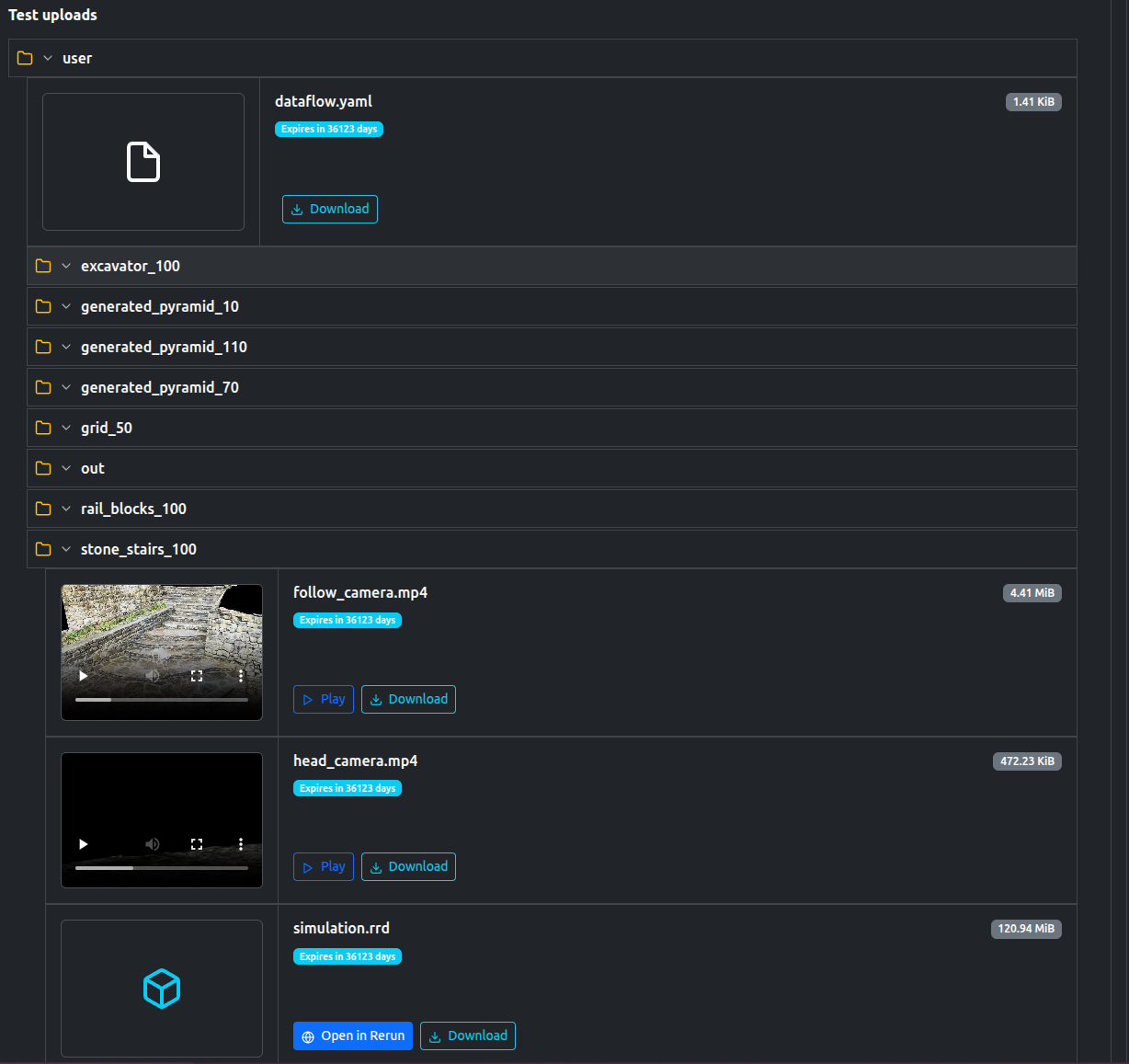
The tests also uploaded a number of artifacts, including videos, logs, as well a [`rerun`](https://rerun.io/) file to replay the simulation if desired.
### Stumbling Policy
The dashboard shows that only scene loading test passes, with the rest failing. The `AssertionError` "AssertionError: Robot is stuck and cannot complete the waypoint mission." is also noted.
You are free to view the final results and associated metrics and uploads [here](https://app.artefacts.com/artefacts-demos/go2-demo/) (registration required)
## Data available after the tests
- Rerun File
- Logs
- Videos and images of each scene.
- Metrics in `json` format
## Artefacts Toolkit Helpers
For this project, we used the following helpers from the [Artefacts Toolkit](/artefacts-toolkit):
* [`get_artefacts_params`](/artefacts-toolkit/config/#get_artefacts_params): to determine which traing policy to use.